


Best 20+ Qualtrics alternatives for enterprises and SMBs in 2026

Think of that playlist you built years ago. Every song carries a memory, a moment that still feels warm. But when you discover new music, you don’t abandon the old playlist, you simply make room for more.
That’s exactly how leaders think when exploring Qualtrics alternatives. Qualtrics can be reliable, but new tools can open up possibilities that fit today’s pace better.
As organisations grow, some platforms feel heavier than expected, and finding something that matches your pace becomes practical.
We evaluated many survey tools and shortlisted the ones below by reviewing publicly available insights from G2 and Capterra, along with our own EX-driven evaluation to help you find the one that best fits your organisation’s needs.
20+ Qualtrics alternatives: Overview
The market for engagement survey companies is evolving fast, offering more intuitive and adaptable tools for HR leaders.
Below is an overview of Qualtrics’ top competitors we have reviewed:
- CultureMonkey: Best for enterprises prioritizing global engagement and scalable feedback.
- Culture Amp: Simplifies engagement tracking with clear, ongoing insights.
- Lattice: Easy interface with low maintenance and API access.
- SurveySensum: Offers advanced filters and benchmarks for detailed analysis.
- Leapsome: Offers advanced filters and benchmarks for detailed analysis.
- Zoho Survey: Built for small teams with drag-and-drop setup.
- SurveyMonkey: Reliable tool for short, flexible feedback surveys.
- WorkTango Inc.: Easy setup with responsive support for engagement.
- 15Five: Intuitive design for fast setup and regular feedback.
- Engagedly: Simple setup guided by onboarding support.
- Workleap Officevibe: Quick surveys with real-time feedback insights.
- TINYpulse by WebMD Health Services: Enables anonymous, straightforward feedback collection.
- Medallia: Focused on real-time experience and feedback analytics.
- Survicate: Enables flexible survey setup with strong customization.
- Alchemer: Offers offline surveys with flexible customization.
- Formstack: Simplifies surveys with quick, drag-and-drop creation.
- Jotform: Easy-to-use builder for quick form and survey creation.
- InMoment: Intuitive platform for streamlined feedback and experience management.
- SurveySparrow: Conversational surveys that drive higher engagement.
- Typeform: Engaging, easy-to-use platform for simple survey creation.
- QuestionPro: Delivers clear visuals and smooth data export options.
- Zonka Feedback: Enables quick, structured survey creation.
What is Qualtrics XM?
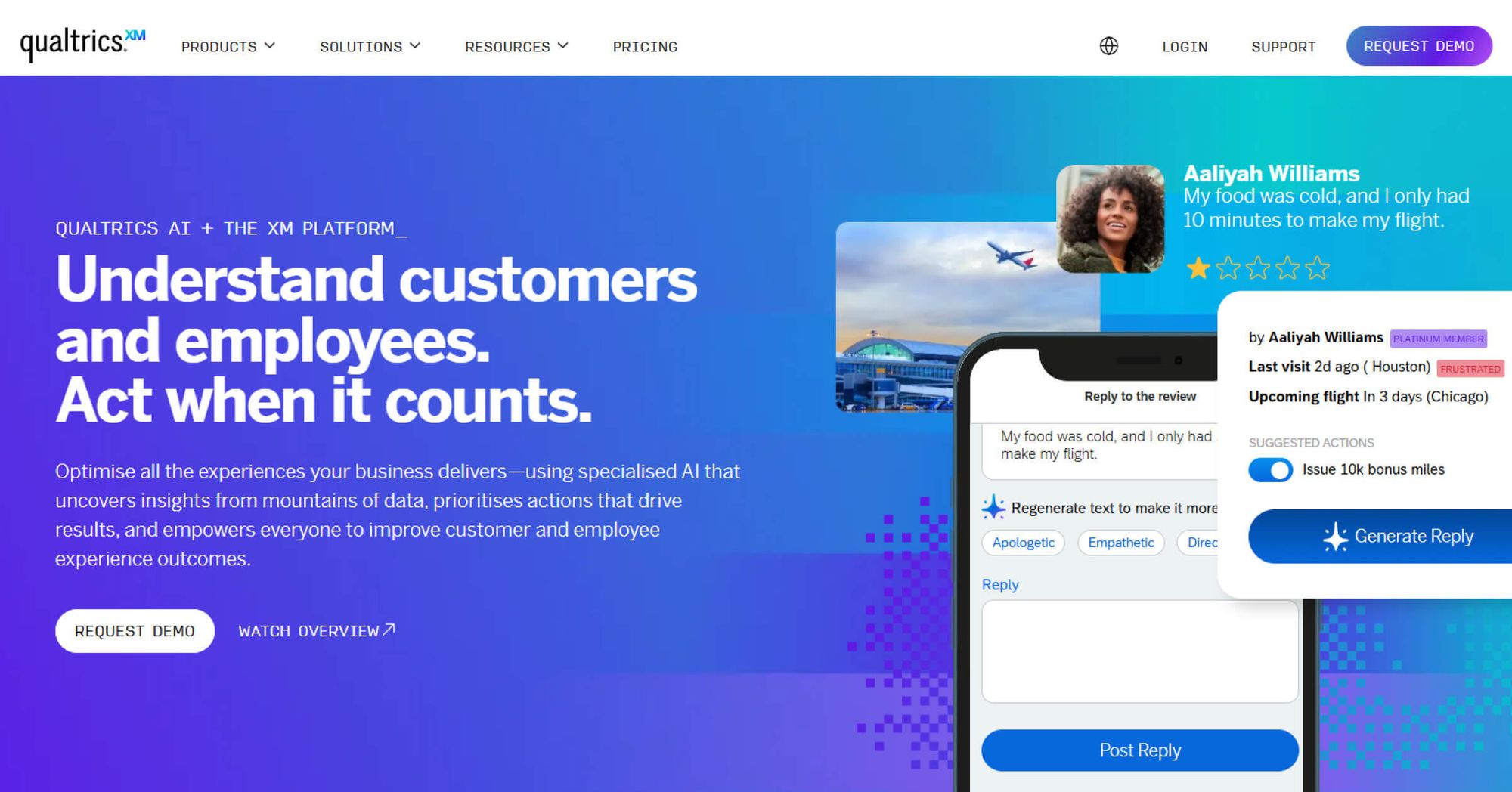
Qualtrics XM, short for Experience Management, is a software platform that helps organizations gather and act on feedback across multiple areas of their business.
In the context of employee engagement, the Qualtrics software is used to design and distribute surveys, measure metrics like eNPS, track engagement drivers, and analyze employee sentiment over time. Qualtrics surveys offer features such as customizable survey templates, advanced reporting, and integrations with HR systems.
While it is capable of supporting feedback programs, this breadth may also make it more complex to set up and manage. And, based on reviews from G2 and Capterra, in some cases it feels like the Qualtrics pricing model can be expensive and not always suited for companies of every size. This pushes many buyers to explore a Qualtrics alternative that delivers similar outcomes without the weight of a large enterprise system and the complexity of the Qualtrics software.
Quick Compare: The Best Qualtrics Alternatives
Want the summary without the scroll? This table gives you a clear view of where each tool stands.
Top 20+ Qualtrics XM alternatives for employee engagement
If you’re exploring a Qualtrics replacement software, you’re likely looking for a platform that matches your specific employee engagement goals while offering the right balance of features, scalability, and ease of use.
The best choice should make gathering and acting on feedback seamless, helping you deliver meaningful insights that drive action.
Here are 20+ employee survey companies similar to qualtrics, starting with CultureMonkey as the first and best alternative to Qualtrics for organizations that want to build a people-first culture.
1. CultureMonkey
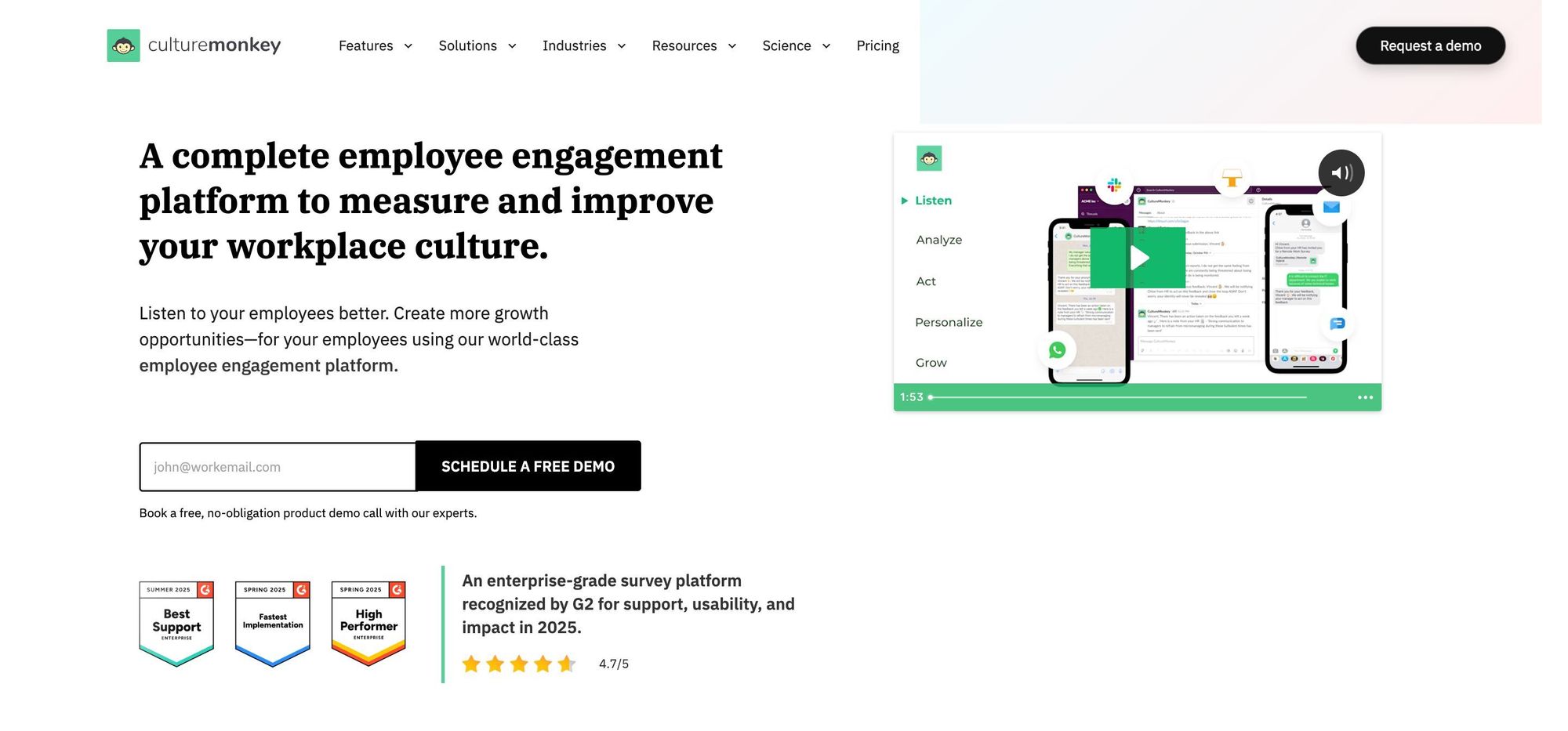
CultureMonkey is an enterprise-ready employee experience feedback platform built for large-scale engagement programs that demand speed, precision, and measurable outcomes.
With robust security, advanced analytics, and global scalability, CultureMonkey is the best xm platform and anonymous survey software for employee feedback and transforms it into actionable strategies that drive culture and performance at scale.
Key Takeaways
- Pricing: Contact sales
- G2 score: 4.7
- Capterra score: Not available
- Pros: Users highlight CultureMonkey’s responsive customer service, dependable back-end support, simple interface, useful analytics and multi-language support. (G2 review)
- Cons: No major limitations identified; overall experience remains smooth and easy to navigate. (G2 review)

2. Culture Amp
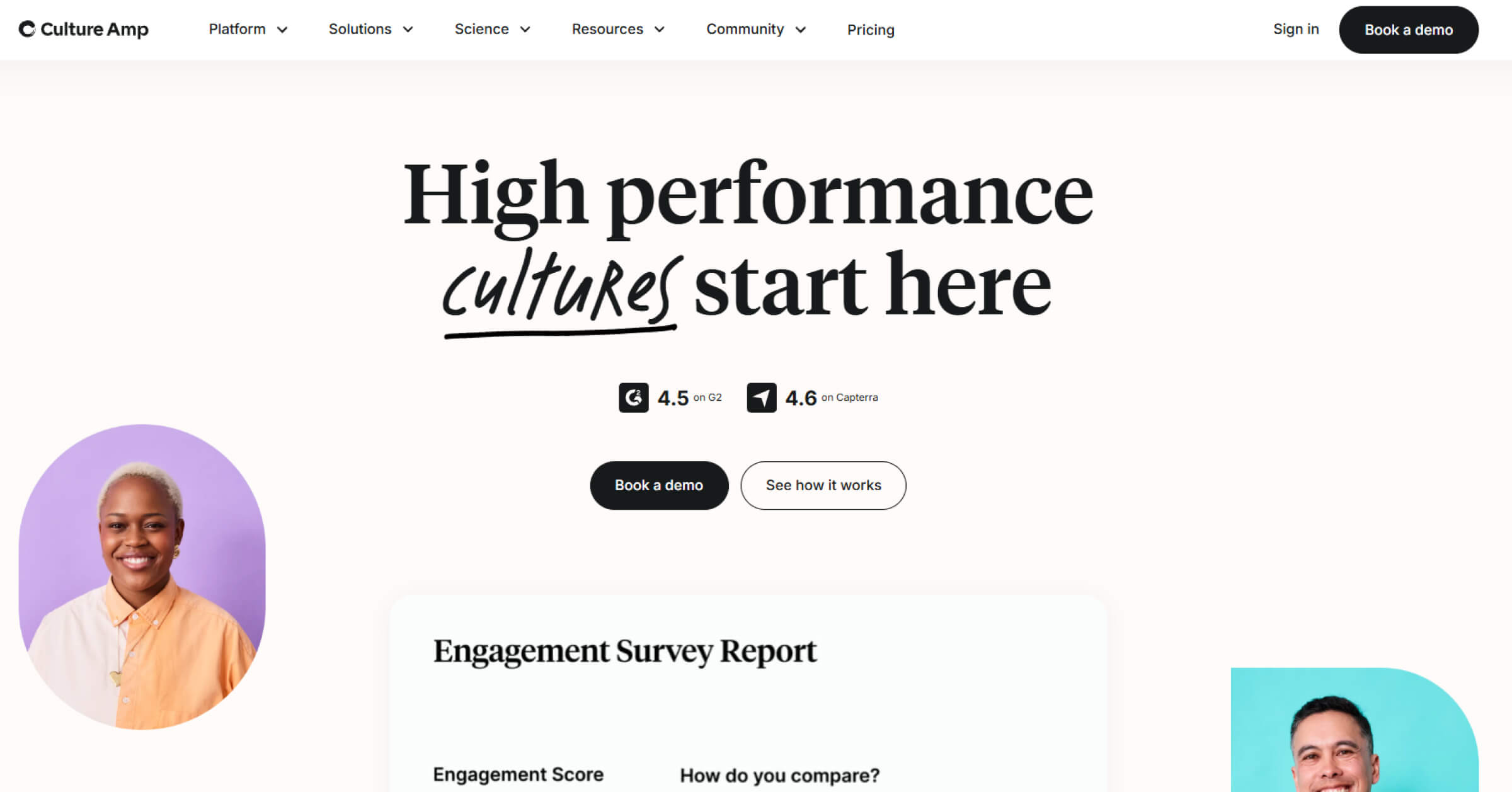
Culture Amp focuses on employee engagement, performance, and development through science-backed surveys and analytics. The platform helps organizations measure sentiment, identify growth areas, and build stronger feedback cultures.
Key Takeaways
- Pricing : Contact sales
- G2 score: 4.5
- Capterra score: 4.6
- Pros: Easy-to-use platform with practical features, clear insights, and score tracking over time. (G2 review)
- Cons: Drawing deep insights can be challenging without their support team, and slow responses may delay decisions. (G2 review)
Read more: Culture Amp alternatives
3. Lattice
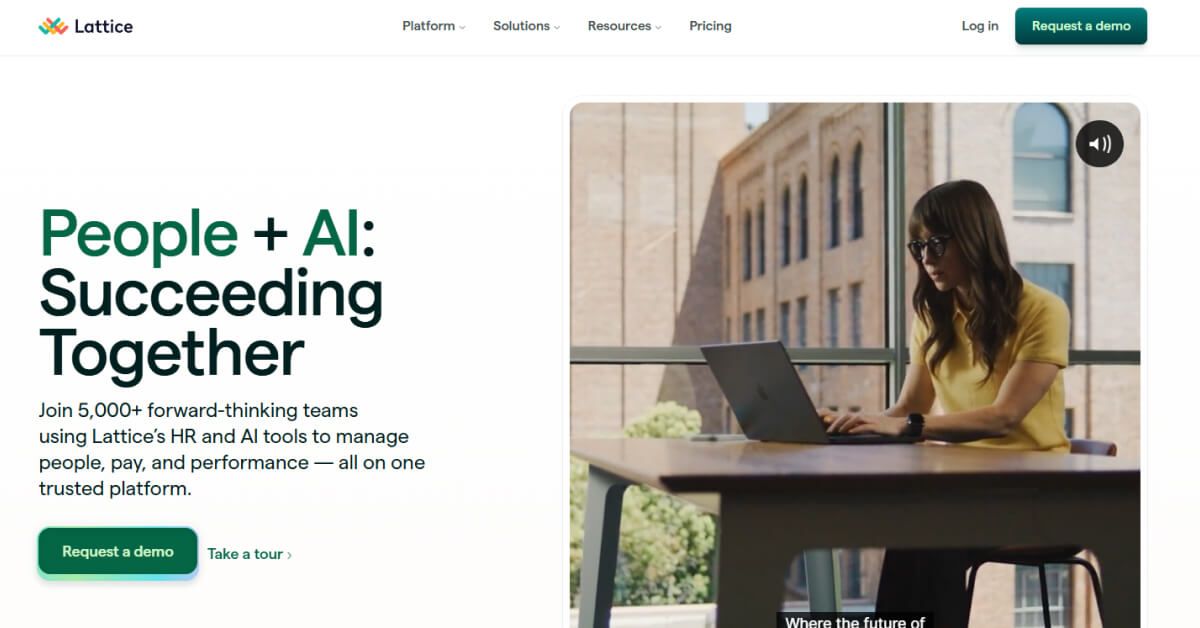
Lattice combines engagement surveys, performance reviews, and goal tracking within one cohesive platform. Its customizable dashboards and analytics help organizations understand employee sentiment and align individual performance with business outcomes.
Key Takeaways
- Pricing : Contact sales
- G2 score: 4.7
- Capterra score: 4.65
- Pros: Intuitive platform design with built-in confidentiality features that foster open and constructive feedback. (G2 review)
- Cons: No major limitations identified; overall experience remains smooth and easy to navigate. (G2 review)
4. SurveySensum
SurveySensum is an AI-powered Customer Experience (CX) platform built for mid-to-large enterprises that want to move fast from feedback collection to real business impact. Instead of just helping you measure NPS or CSAT, it focuses on execution and closing the loop – so insights don’t sit in dashboards but drive action across teams.
At its core are three key strengths: SensAI, which lets you query feedback conversationally; AI-powered text analytics, which uncovers themes and sentiment at scale; and a closed-loop ticketing system, which ensures every piece of feedback is tracked and acted upon. Combined with role-based dashboards, it gives organizations full visibility and control across regions, teams, and hierarchies.
Key Takeaways
- Mid-to-large enterprises (operating in a single country or across 5–10 countries) that need fast implementation, actionable insights, and strong ROI from their CX programs
- Pricing: Contact sales (Free plan available; paid plans from $3600/year)
- G2 score: 4.6
- Capterra score: 5.0
Pros
- Strong focus on execution and ROI, not just feedback collection
- SensAI simplifies analysis, making insights accessible to every team
- Built-in closed-loop system ensures accountability and action
Cons
- Limited native integrations (custom integrations supported)
5. Leapsome
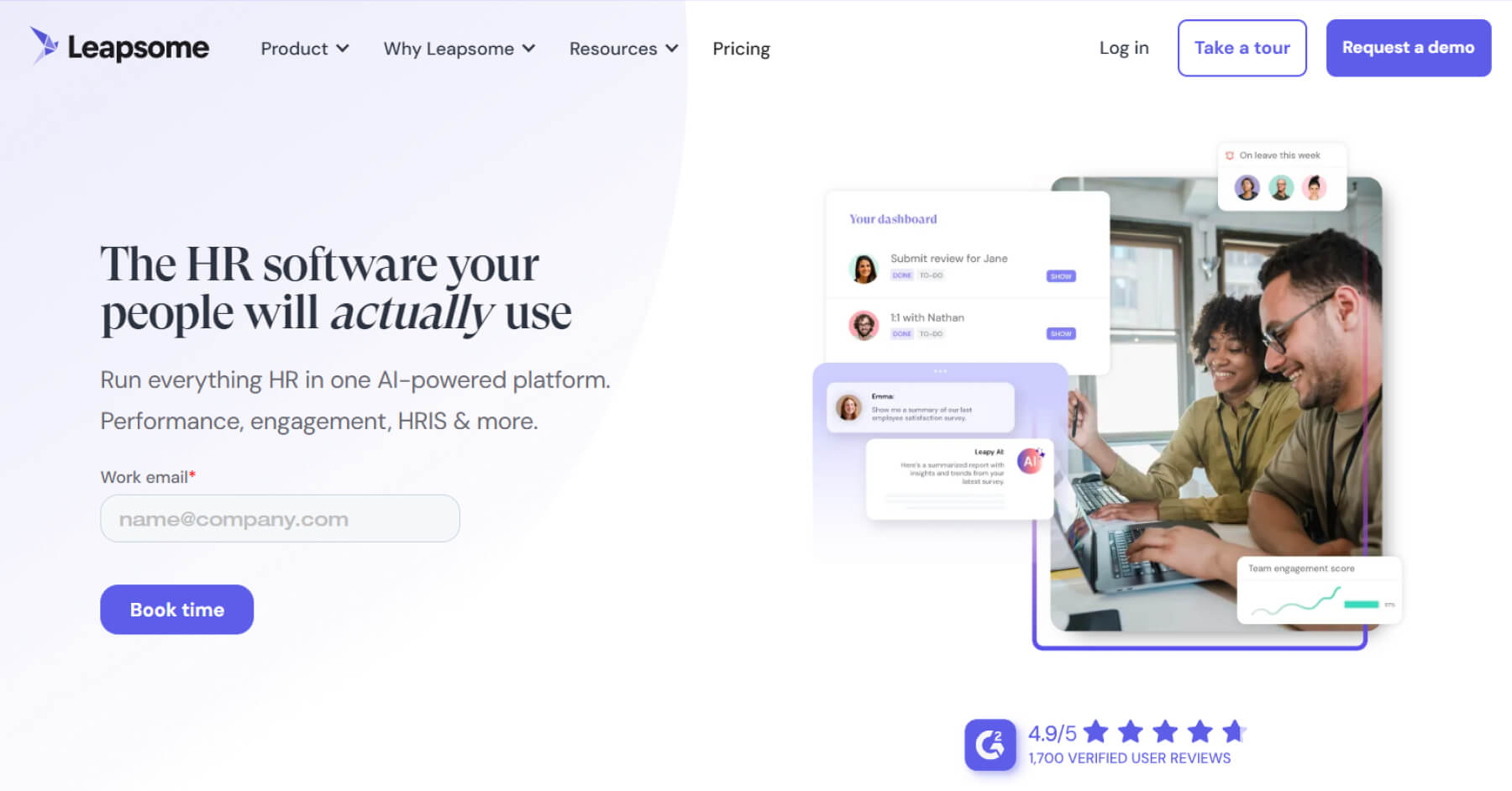
Leapsome connects employee engagement, feedback, and performance management in one platform. Its customizable surveys and analytics tools help HR teams measure sentiment, track growth, and drive continuous improvement across teams.
Key Takeaways
- Pricing: Contact sales
- G2 score: 4.8
- Capterra score: 4.6
- Pros: Strong survey analytics with advanced filters and benchmark options for precise insights. (G2 review)
- Cons: Survey logic and question branching could offer more customization options. (G2 review)
Read more: Leapsome alternatives
6. Zoho Survey
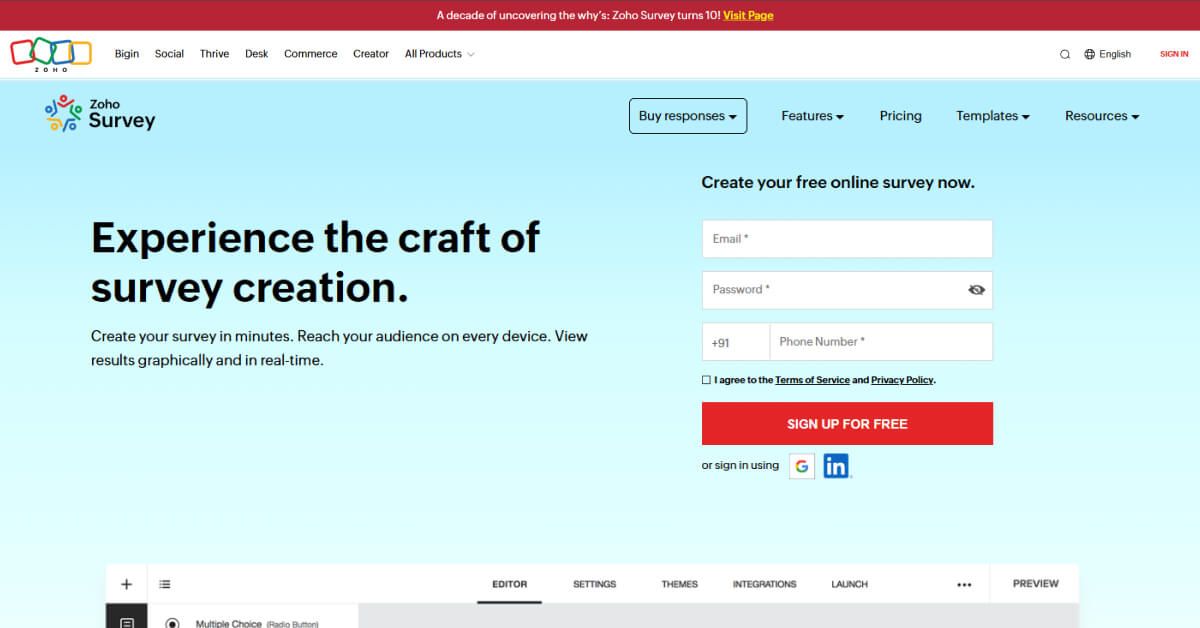
Zoho Survey provides an easy-to-use platform for creating and sharing surveys with customizable templates and question types. It’s designed for small to mid-sized teams looking for quick setup, collaboration, and smooth integrations with other Zoho tools.
Key Takeaways
- Pricing: $9 per person/month
- G2 score: 4.4
- Capterra score: 4.4
- Pros: Well-suited for small teams, offering an easy survey creation process with flexible question types and simple drag-and-drop placement. (G2 review)
- Cons: Limited advanced customization; lower-tier plans have response caps, basic reporting, and restricted theming and visualizations. (G2 review)
7. SurveyMonkey
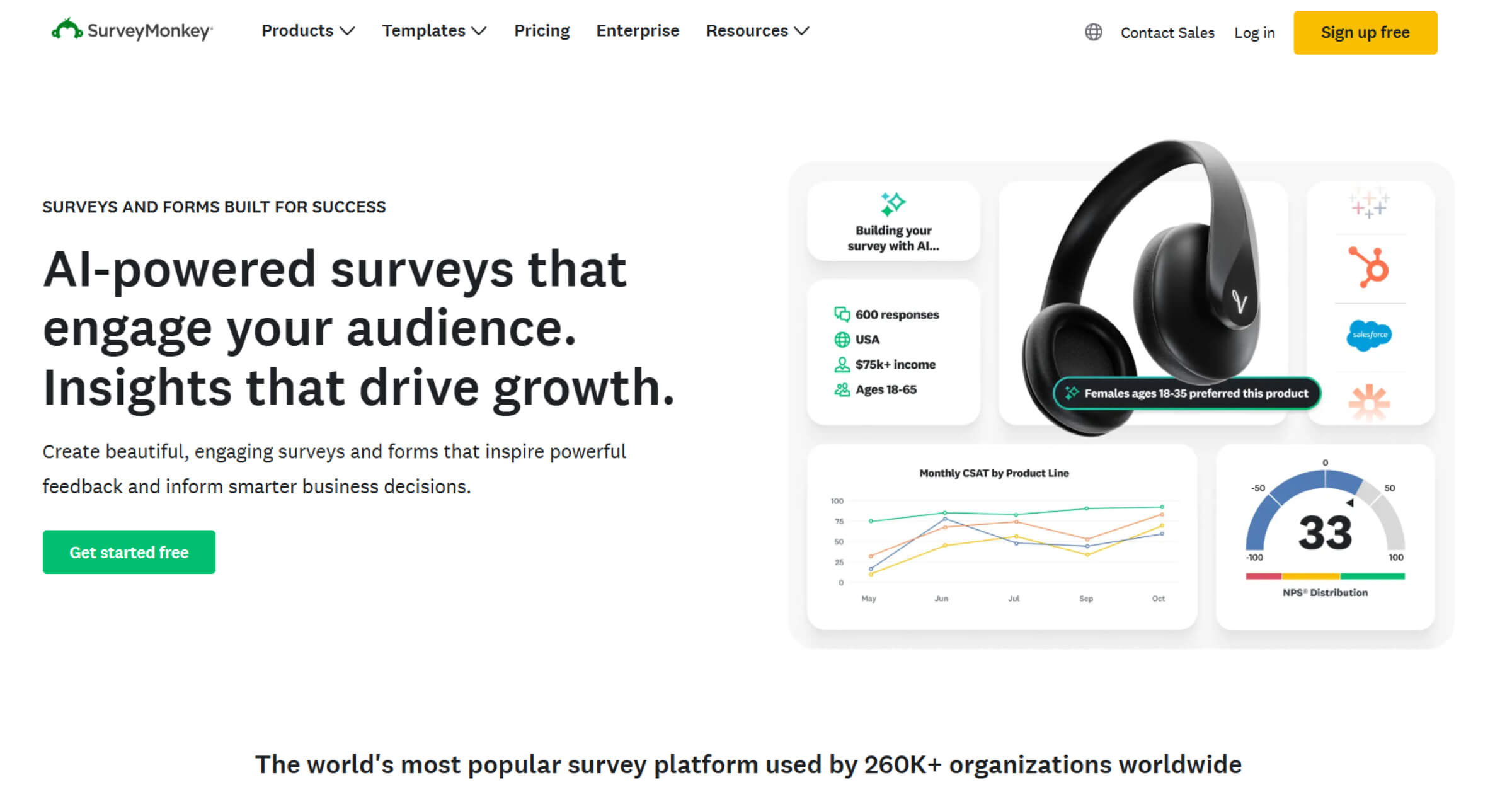
SurveyMonkey is one of the most established platforms for collecting and analyzing survey data. It offers a wide range of templates, reporting options, and integrations to help organizations gather feedback efficiently across teams and audiences.
Key Takeaways
- Pricing: $92 per user/month
- G2 score: 4.4
- Capterra score: 4.6
- Pros: Works well for quick check-ins and company-wide feedback, offering a reliable platform for varied survey needs. (G2 review)
- Cons: Reporting depth requires higher-tier plans, and collaboration features need shared access to be fully effective. (G2 review)
8. WorkTango Inc
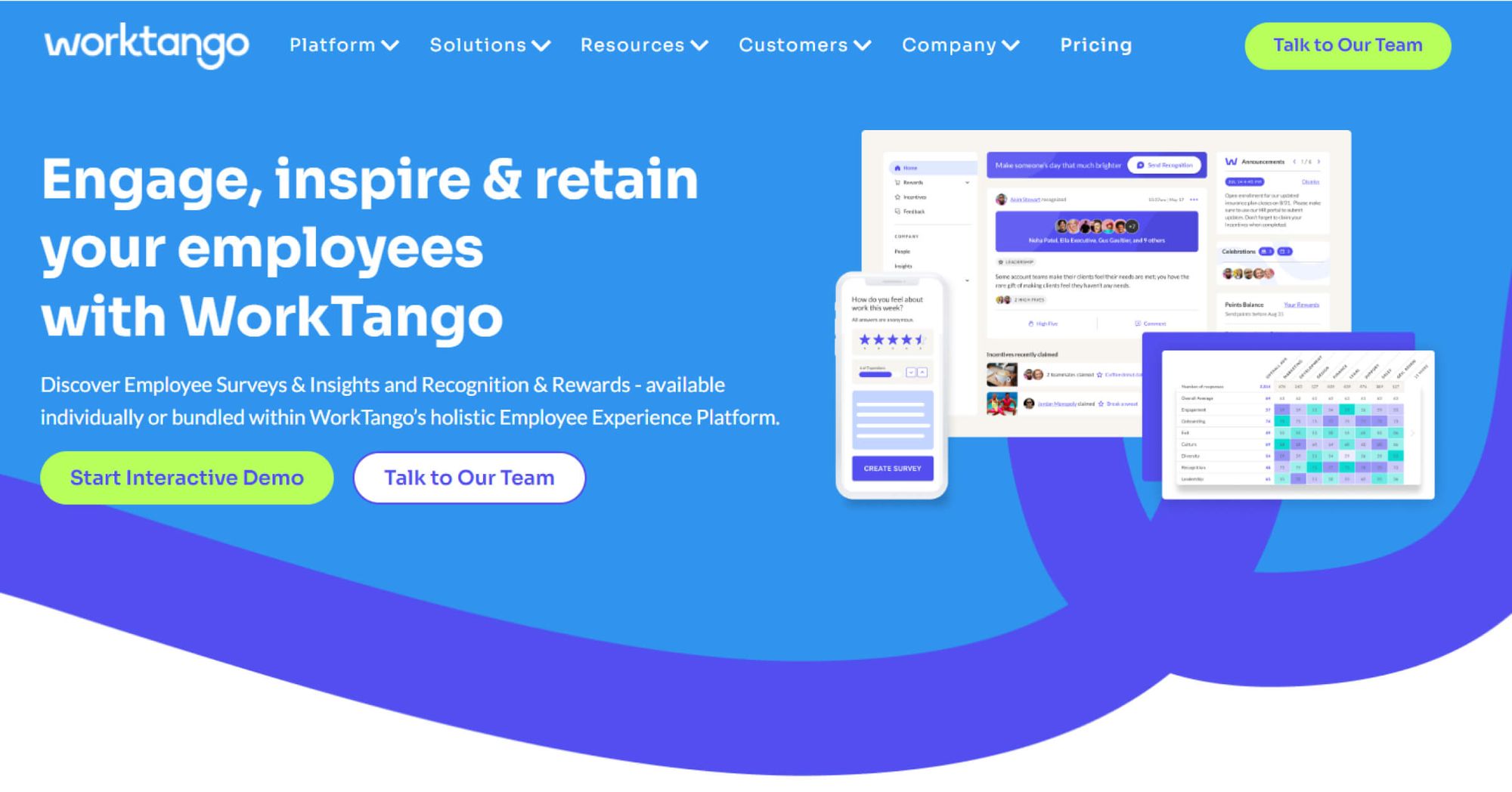
WorkTango Inc. enables organizations to gather, analyze, and act on employee feedback through pulse and engagement surveys. Its intuitive interface, AI insights, and real-time reporting help leaders track sentiment and improve organizational alignment.
Key Takeaways
- Pricing: Contact sales
- G2 score: 4.7
- Capterra score: 4.9
- Pros: User-friendly platform with quick and helpful support, ensuring smooth setup and ongoing engagement. (G2 review)
- Cons: Customization options for surveys and reporting are limited for advanced needs. (G2 review)
9. 15Five
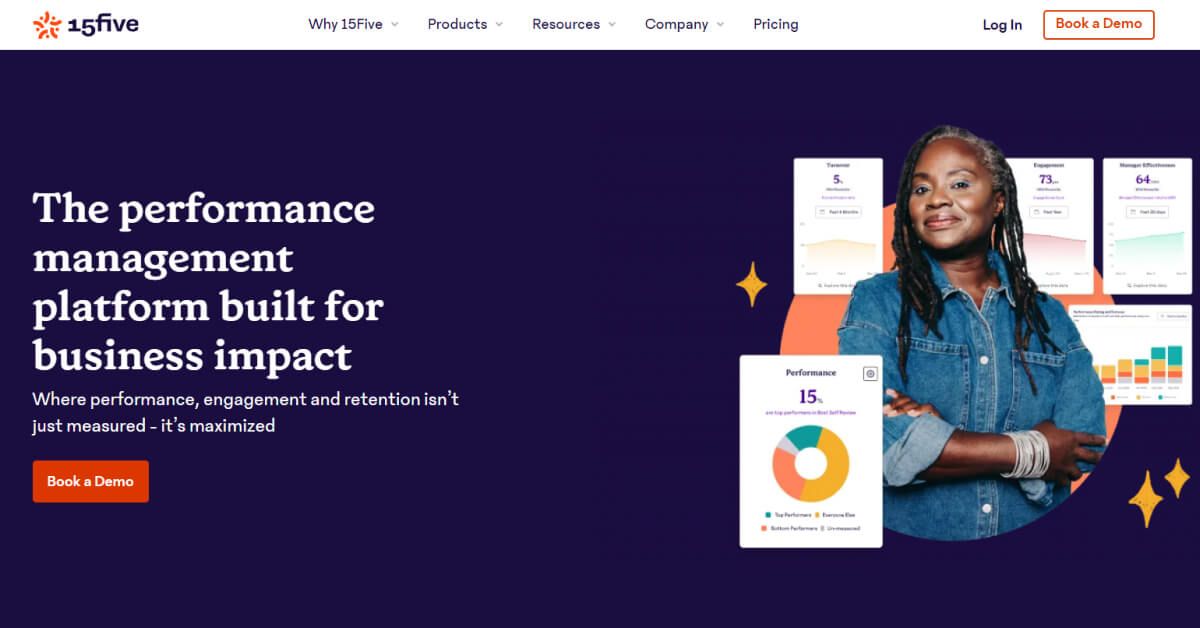
15Five focuses on continuous employee feedback, engagement, and performance improvement. It helps HR teams and managers streamline check-ins, run surveys, and turn real-time insights into actionable growth strategies.
Key Takeaways
- Pricing: $4 per user/month
- G2 score: 4.6
- Capterra score: 4.7
- Pros: Clean, easy-to-use platform with smooth setup and well-guided access to core features like feedback and check-ins. (G2 review)
- Cons: Engagement survey data can lack complete accuracy, making it harder to present fully reliable insights. (G2 review)
Read more: 15Five alternatives
10. Engagedly
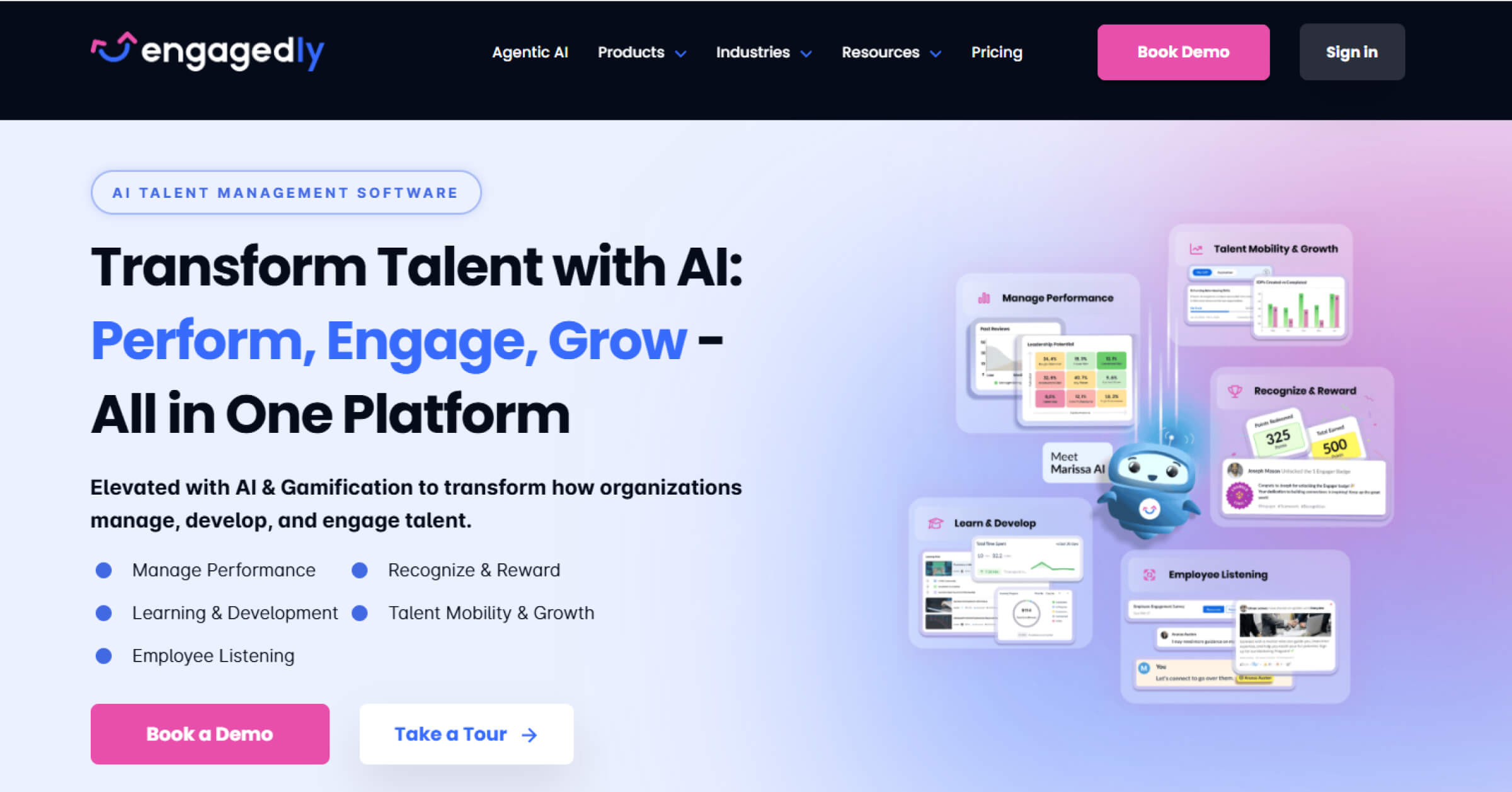
Engagedly combines employee engagement, feedback, and performance management tools in one unified platform. Its surveys and analytics help organizations measure sentiment, align teams, and build a culture of continuous recognition and improvement.
Key Takeaways
- Pricing: $2 per user/month
- G2 score: 4.3
- Capterra score: 4.6
- Pros: Easy to set up, with a knowledgeable customer success advisor providing valuable guidance throughout onboarding. (G2 review)
- Cons: Platform speed could be improved, as occasional slow loading affects the user experience. (G2 review)
11. Workleap Officevibe
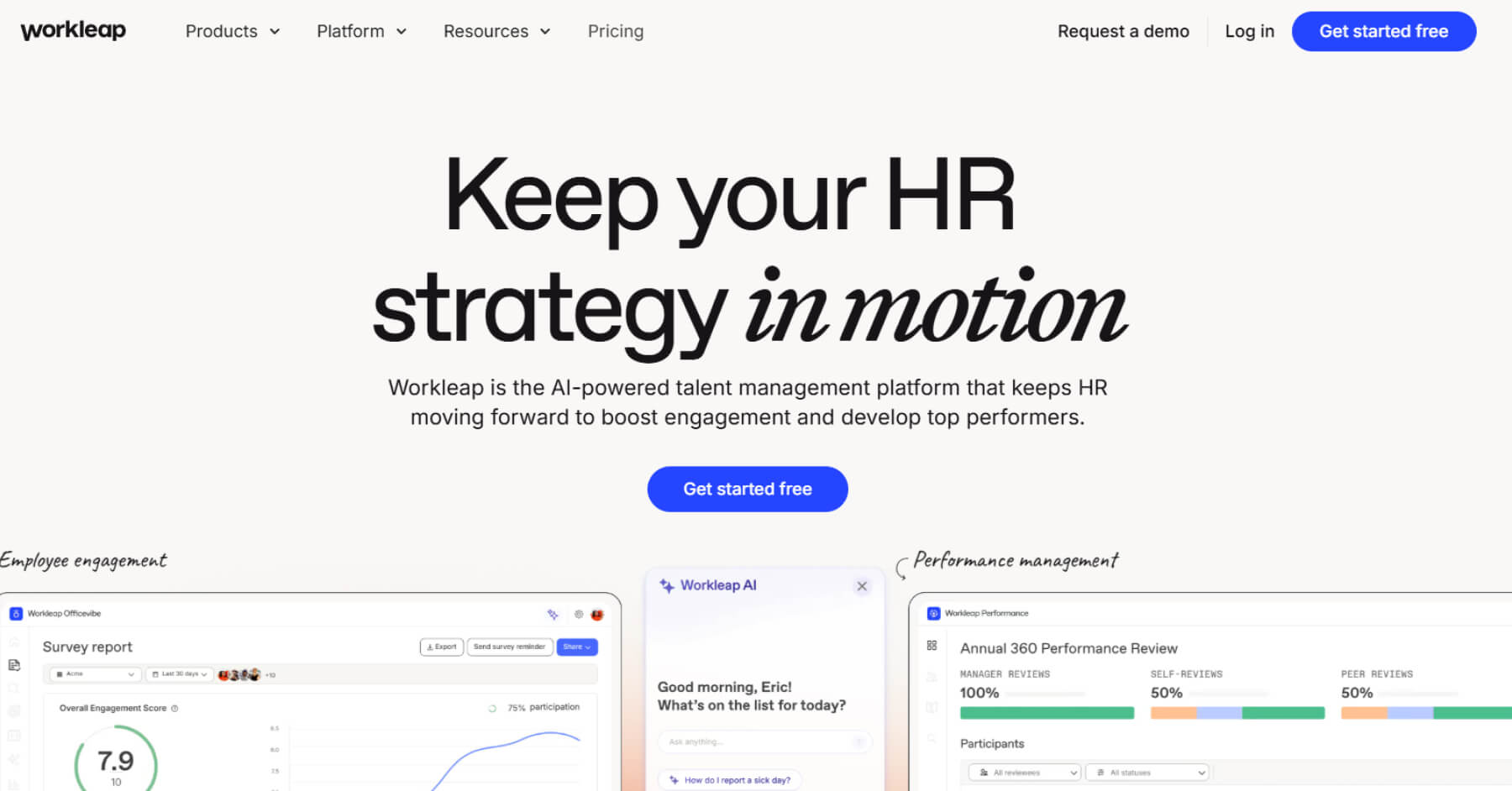
Workleap Officevibe focuses on improving team engagement and performance through continuous feedback and pulse surveys. Its intuitive design and analytics tools make it easier for organizations to understand team sentiment and act on insights in real time.
Key Takeaways
- Pricing: $5 per user/month
- G2 score: 4.7
- Capterra score: 4.8
- Pros: Simplifies feedback collection with intuitive survey templates and real-time reporting for quick insights. (G2 review)
- Cons: Limited survey customization, fewer integrations, and less robust reporting with restricted filtering options. (G2 review)
Read more: Officevibe alternatives
12. TINYpulse by WebMD Health Services
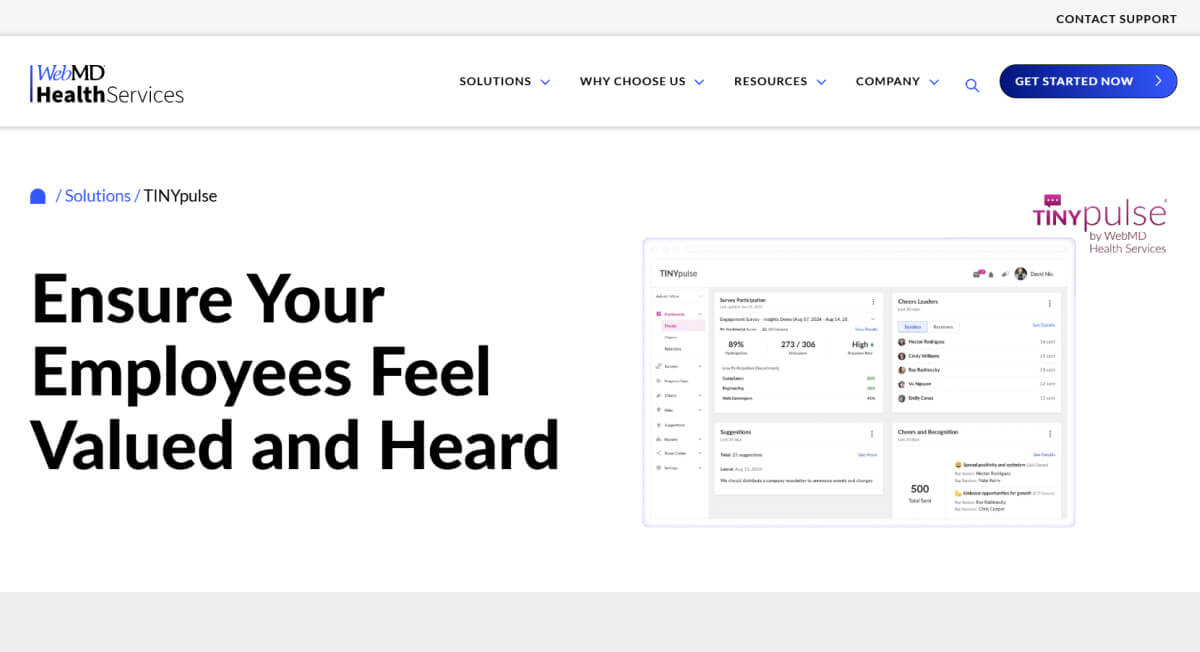
TINYpulse helps organizations measure and improve engagement through quick, anonymous pulse surveys. Its simple interface and feedback analytics enable teams to track sentiment and encourage open, transparent communication across the workplace.
Key Takeaways
- Pricing: Contact sales
- G2 score: 4.4
- Capterra score: 4.8
- Pros: Easy to use and reliable, providing valuable insight into employee sentiment while maintaining full anonymity. (G2 review)
- Cons: Lacks the ability to manually send reminders for employees to complete pulse surveys. (G2 review)
13. Medallia
Medallia helps organizations capture feedback across multiple touchpoints to understand employee and customer experiences. Its analytics and automation tools enable teams to identify patterns and drive continuous improvement through data-backed insights.
Key Takeaways
- Pricing: Contact sales
- G2 score: 4.5
- Capterra score: 4.9
- Pros: Limited publicly available customer feedback to assess strengths. (G2 review)
- Cons: Limited publicly available customer feedback to evaluate potential gaps. (G2 review)
14. Survicate
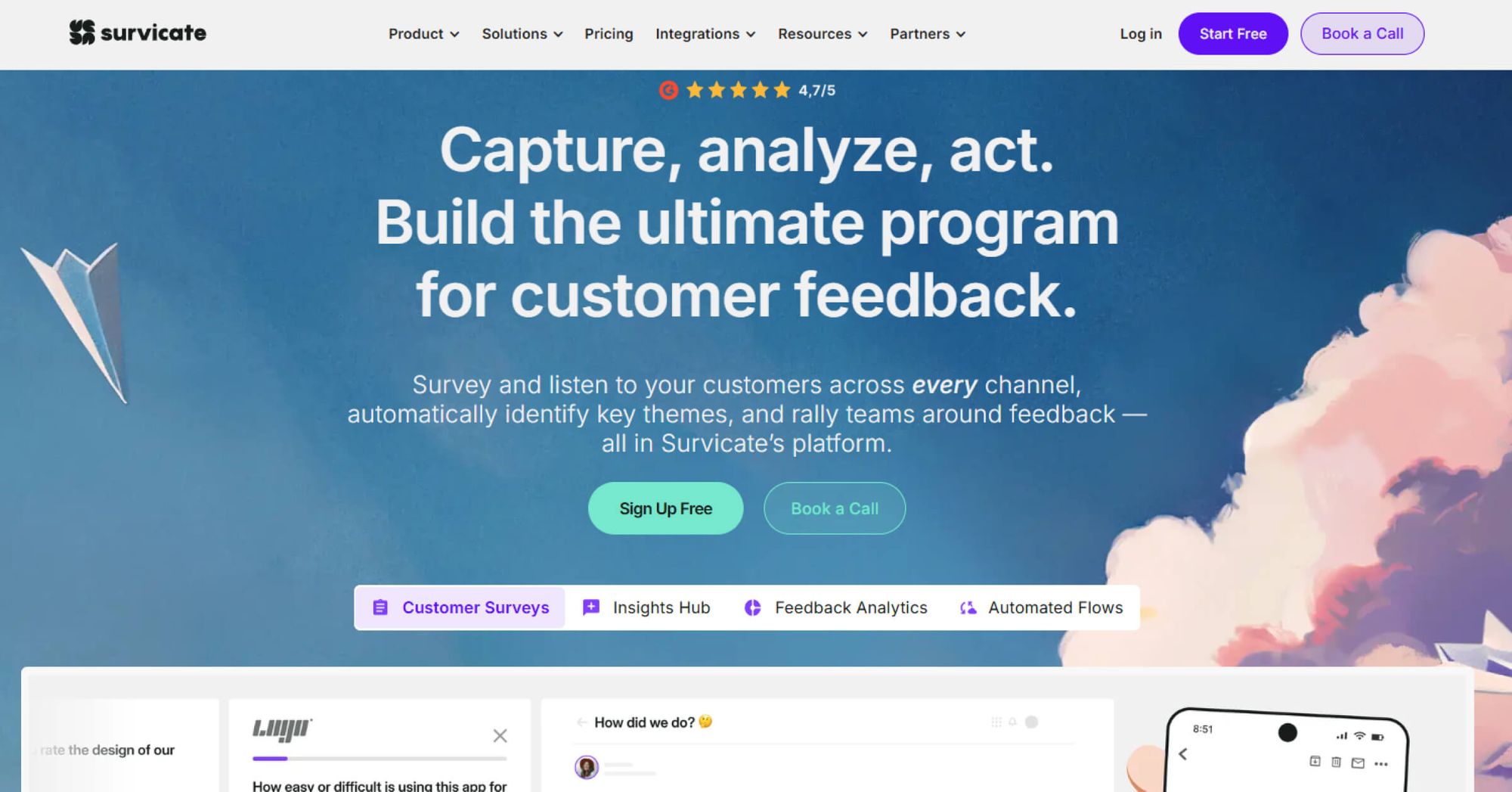
Survicate is a customer and employee feedback platform that helps organizations capture insights through flexible, multi-channel surveys. The platform offers features to design, distribute, and analyze surveys efficiently across web, mobile, and product environments.
Key Takeaways
- Pricing: From $499/month onwards
- G2 score: 4.6
- Capterra score: 4.6
- Pros: Offers extensive customization options when setting up surveys, allowing flexibility across formats and workflows. (G2 review)
- Cons: Occasional issues with audience targeting can lead to surveys appearing in unintended languages or locations. (G2 review)
15. Alchemer
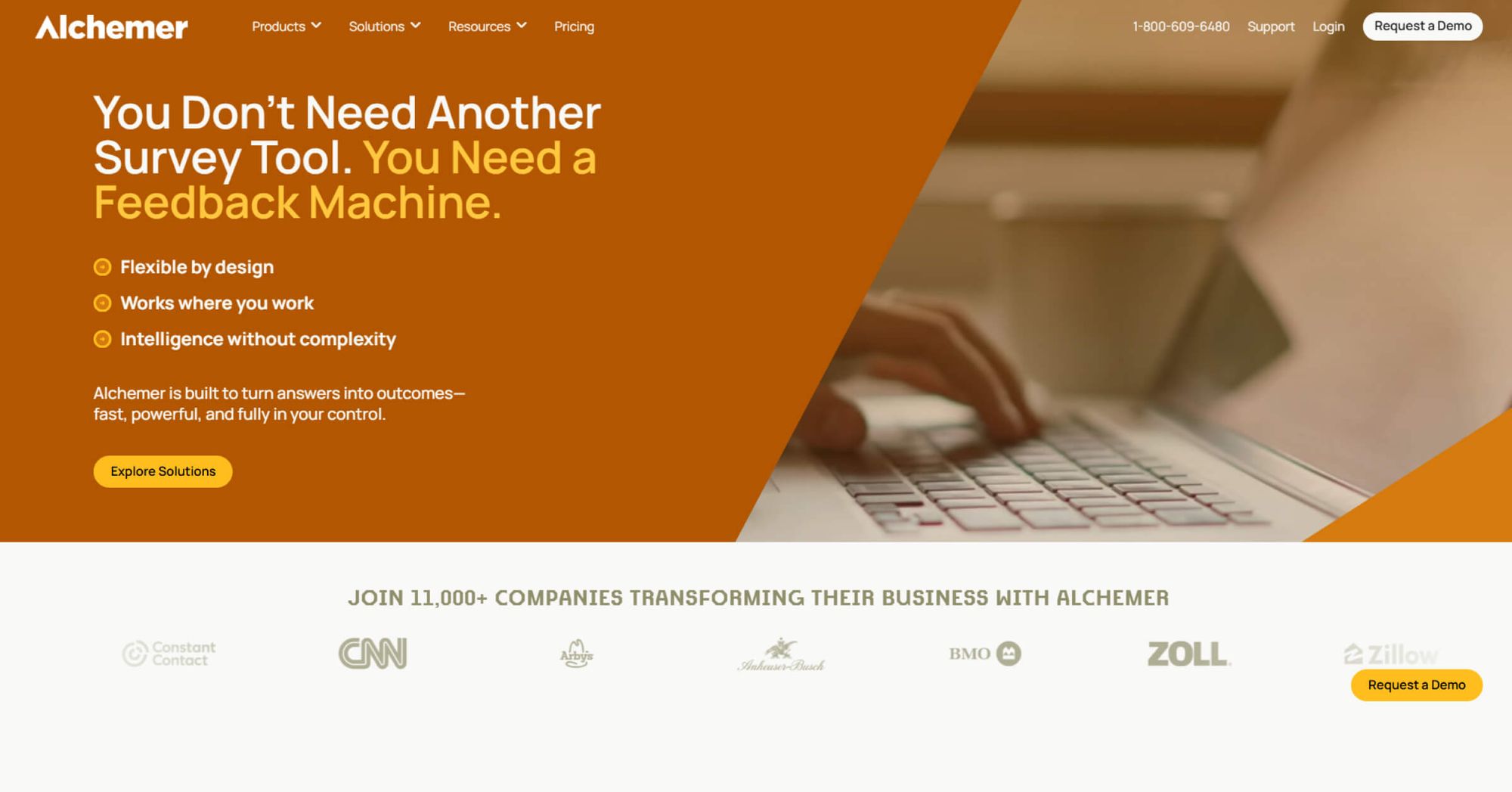
Alchemer is an online survey platform that helps organizations design, distribute, and analyze data across multiple channels. It enables advanced customization, logic, and integrations, making it adaptable for both simple and complex survey programs.
Key Takeaways
- Pricing: Contact sales
- G2 score: 4.4
- Capterra score: 4.5
- Pros: Includes a robust offline survey mode that enhances usability across locations without network dependency. (G2 review)
- Cons: Platform navigation could be more streamlined, as some features are nested deep within settings. (G2 review)
16. Formstack
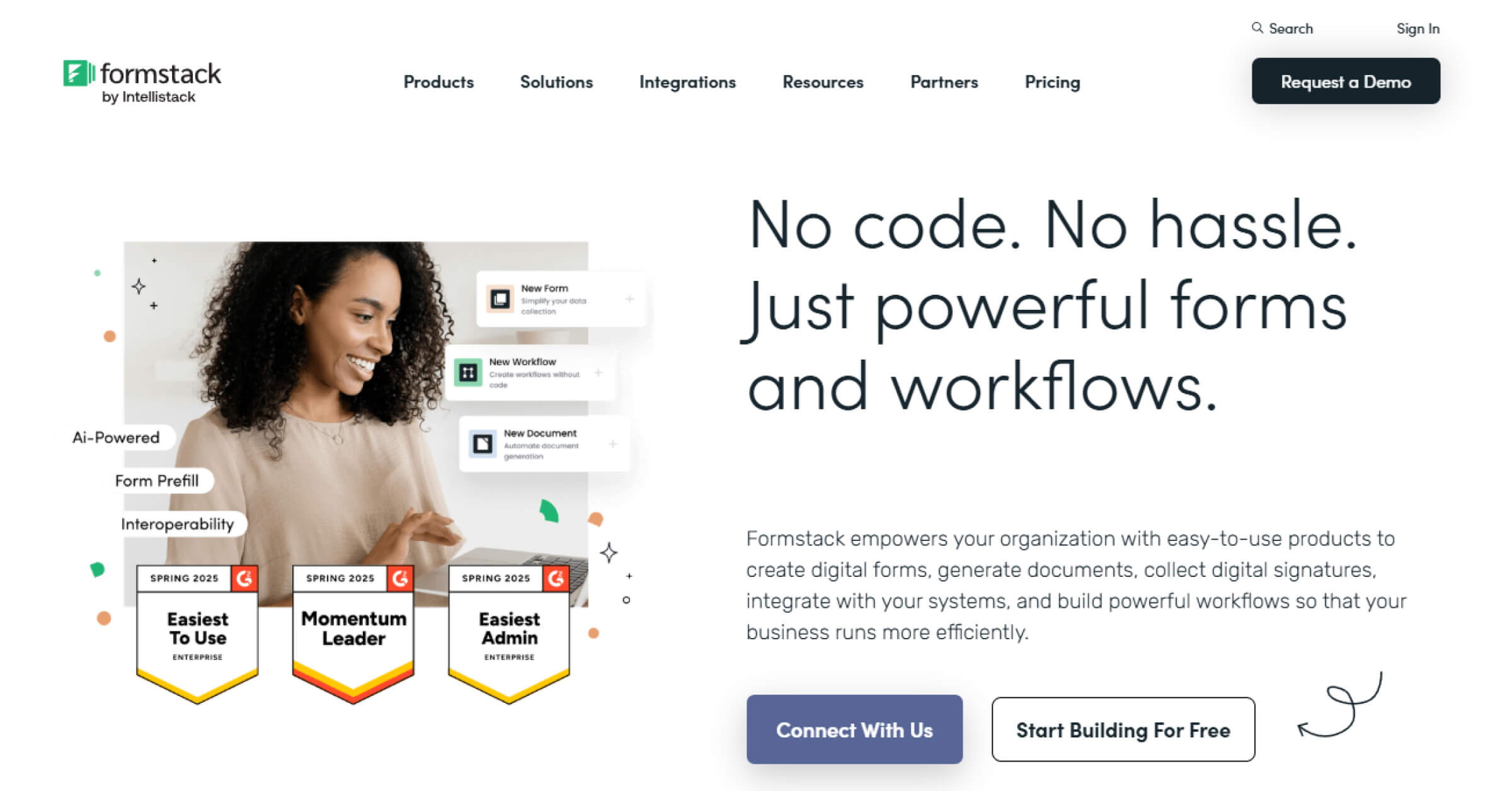
Formstack is a flexible form and survey solution designed to simplify data collection and analysis. With its no-code builder and automation tools, organizations can create branded surveys, streamline feedback workflows, and capture insights efficiently across multiple channels.
Key Takeaways
- Pricing: $99/month, limits applicable
- G2 score: 4.7
- Capterra score: 4.7
- Pros: Simple to use and accessible for non-technical users, enabling quick form and survey creation. (G2 review)
- Cons: May feel limited in certain customisation areas, especially when adjusting PDF outputs based on responses. (G2 review)
18. InMoment
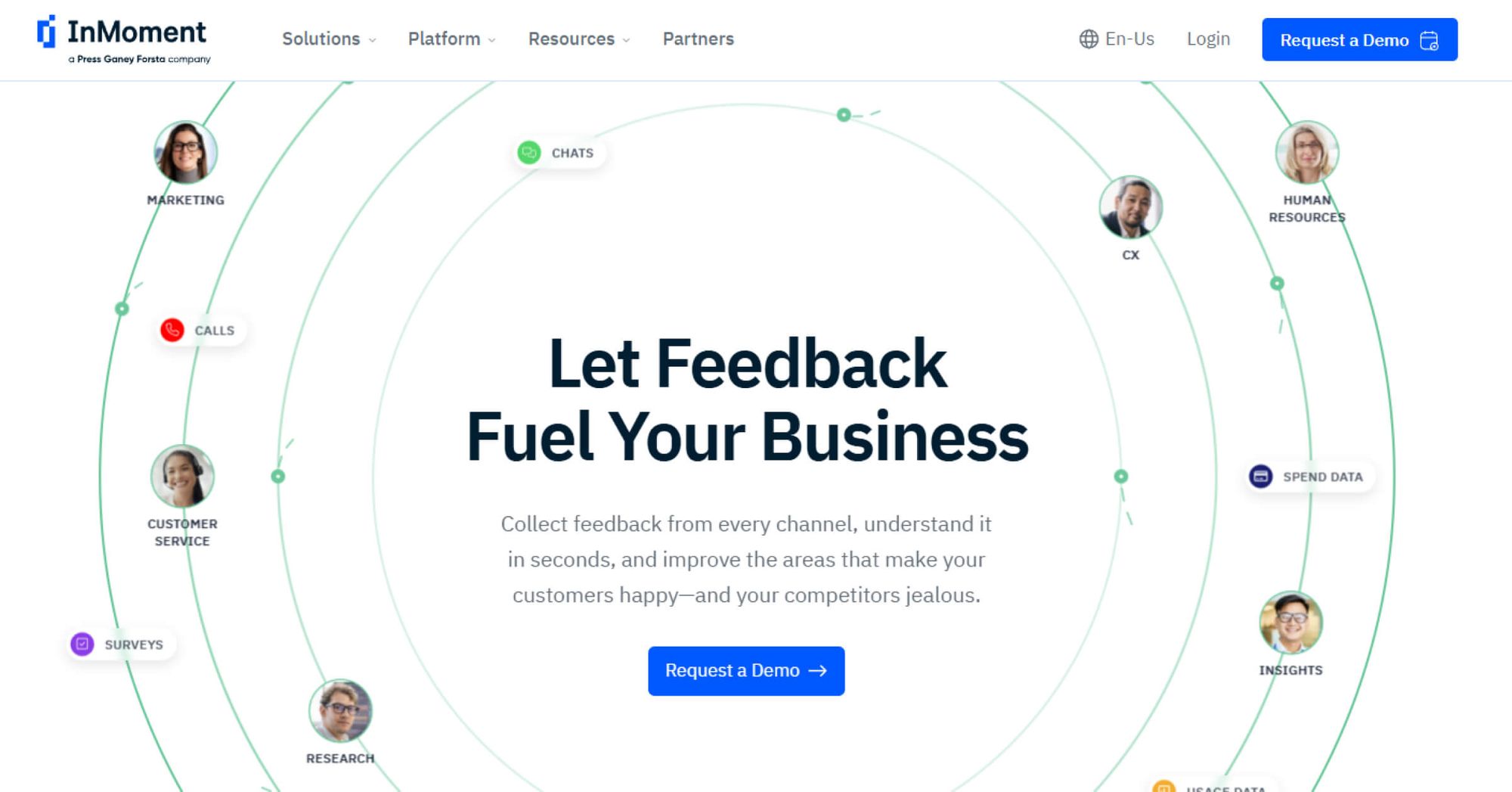
InMoment is an experience intelligence platform that helps organizations collect and analyze feedback across multiple channels. With AI-driven insights and automated workflows, it enables teams to transform feedback into measurable actions that enhance employee and customer experiences.
Key Takeaways
- Pricing: Contact sales
- G2 score: 4.7
- Capterra score: 4.4
- Pros: Easy-to-use experience platform with intuitive workflows and streamlined feedback management. (G2 review)
- Cons: Text analytics feature lacks customization, often producing limited or unclear insights. (G2 review)
19. SurveySparrow
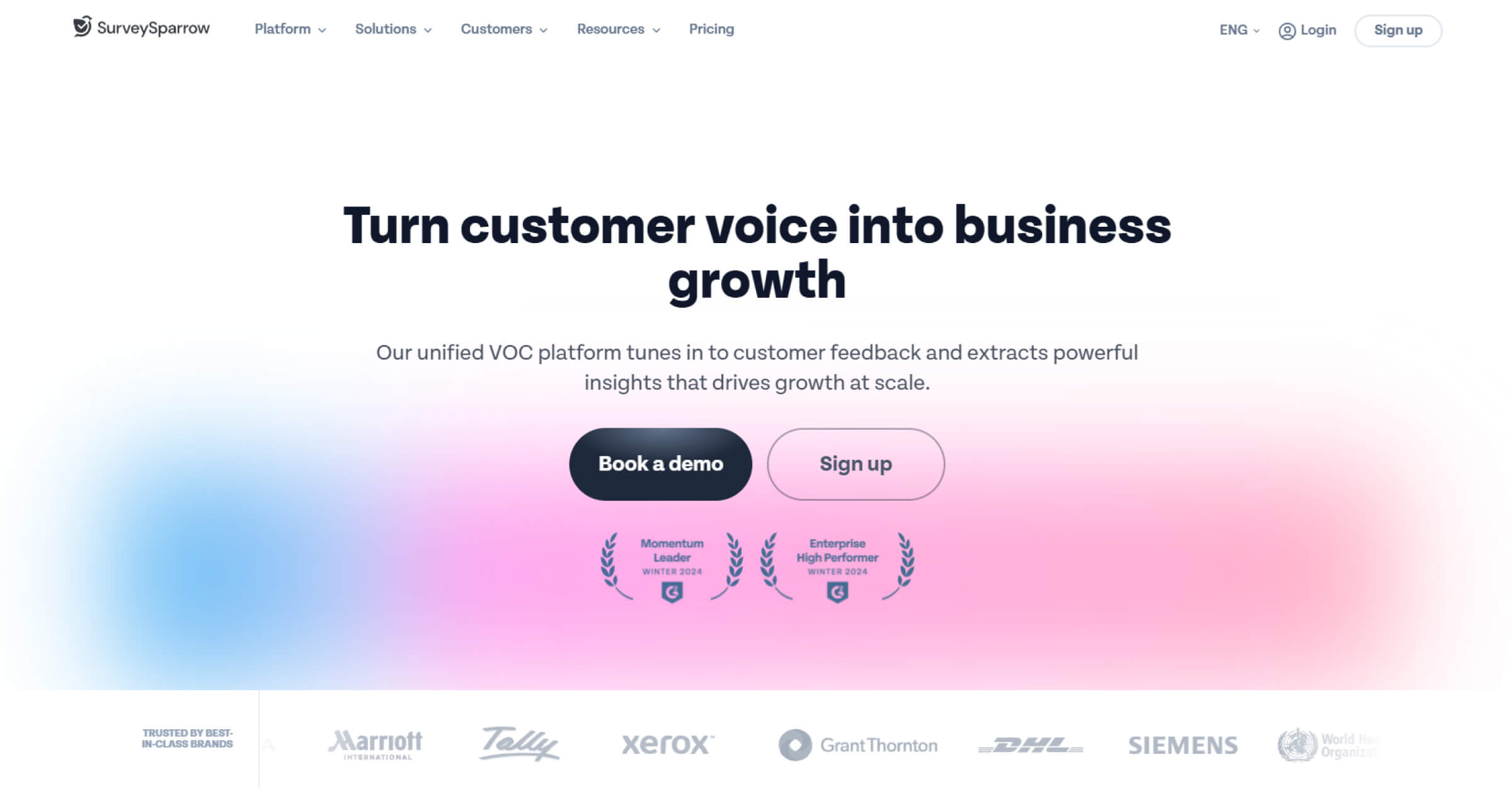
SurveySparrow combines conversational surveys, multilingual support, and AI-driven analytics into one feedback platform. It simplifies data collection and analysis across multiple channels, helping organizations engage audiences more effectively.
Key Takeaways
- Pricing: Contact sales
- G2 score: 4.4
- Capterra score: 4.4
- Pros: Conversational survey interface creates an engaging experience that increases participation and response quality. (G2 review)
- Cons: Dashboard functionality can be limited when analyzing data or deriving detailed insights. (G2 review)
20. Typeform
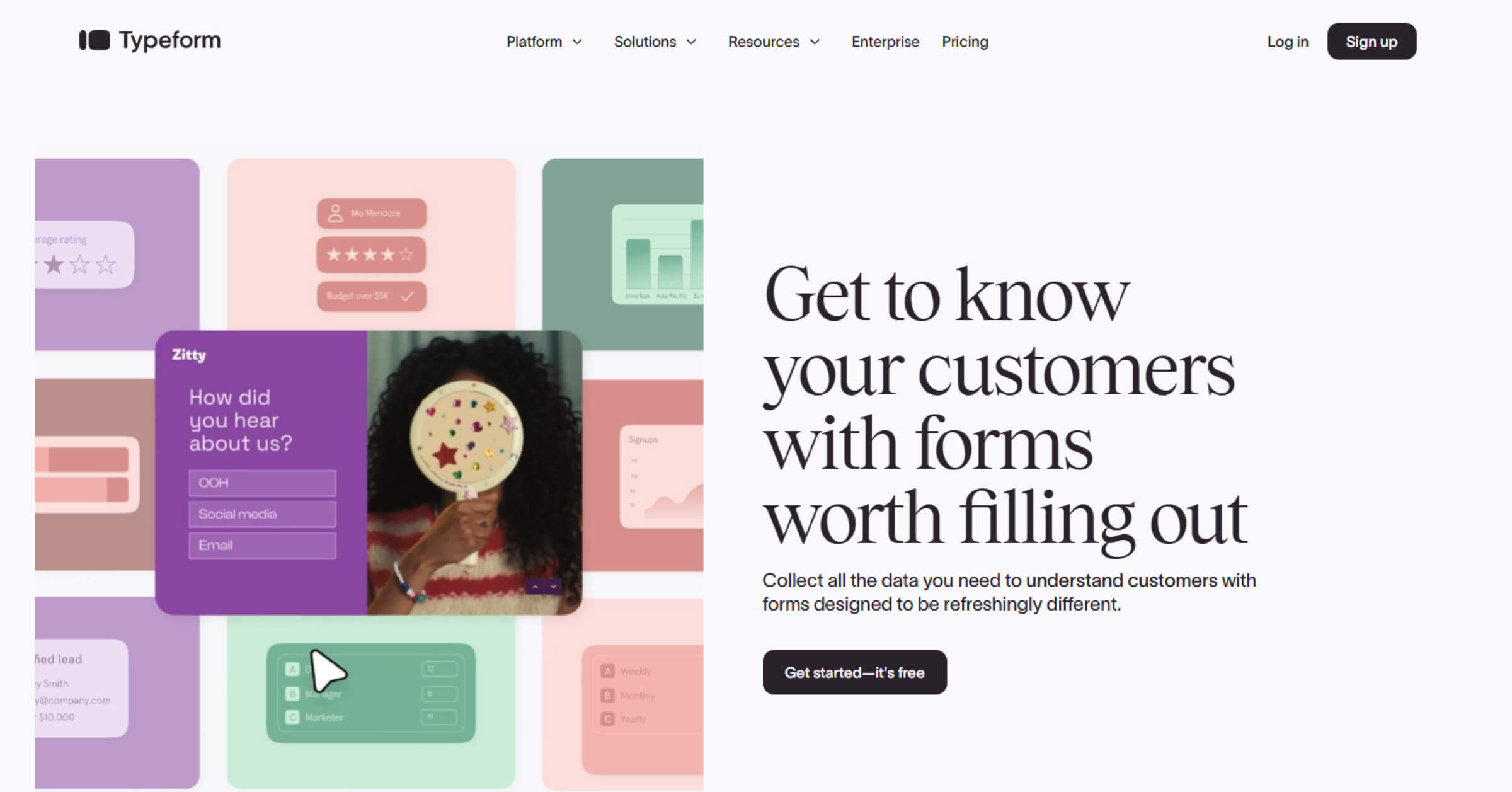
Typeform is known for its visually engaging, interactive surveys designed to improve respondent experience. Its simple interface and smart integrations make feedback collection intuitive and connected across business workflows.
Key Takeaways
- Pricing: Contact sales
- G2 score: 4.5
- Capterra score: 4.7
- Pros: The interface is sleek, easy to navigate, and visually engaging, with conditional logic and integrations that streamline workflows. (G2 review)
- Cons: Many advanced features remain locked behind higher-tier plans, limiting access for lower subscriptions. (G2 review)
21. QuestionPro
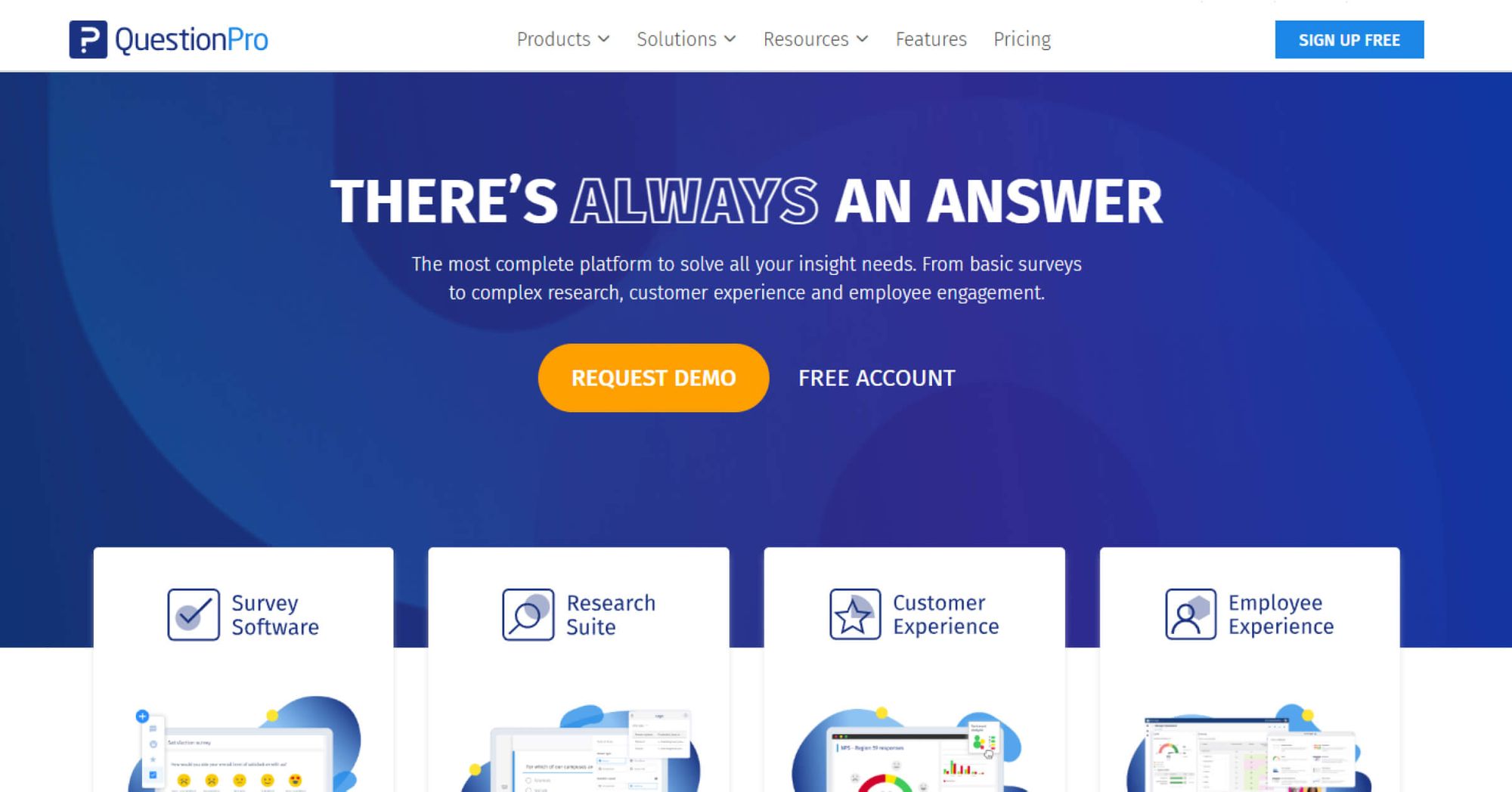
QuestionPro provides a flexible survey platform for collecting and analyzing employee and customer feedback. Its advanced logic, detailed reporting, and customizable templates help organizations create data-driven engagement programs efficiently.
Key Takeaways
- Pricing: $99 user/per month
- G2 score: 4.5
- Capterra score: 4.8
- Pros: Reporting tools deliver clear charts and tables, with smooth data export for deeper analysis. (G2 review)
- Cons: Advanced survey logic options are less visible, requiring extra time to locate and configure complex branching. (G2 review)
22. Zonka Feedback
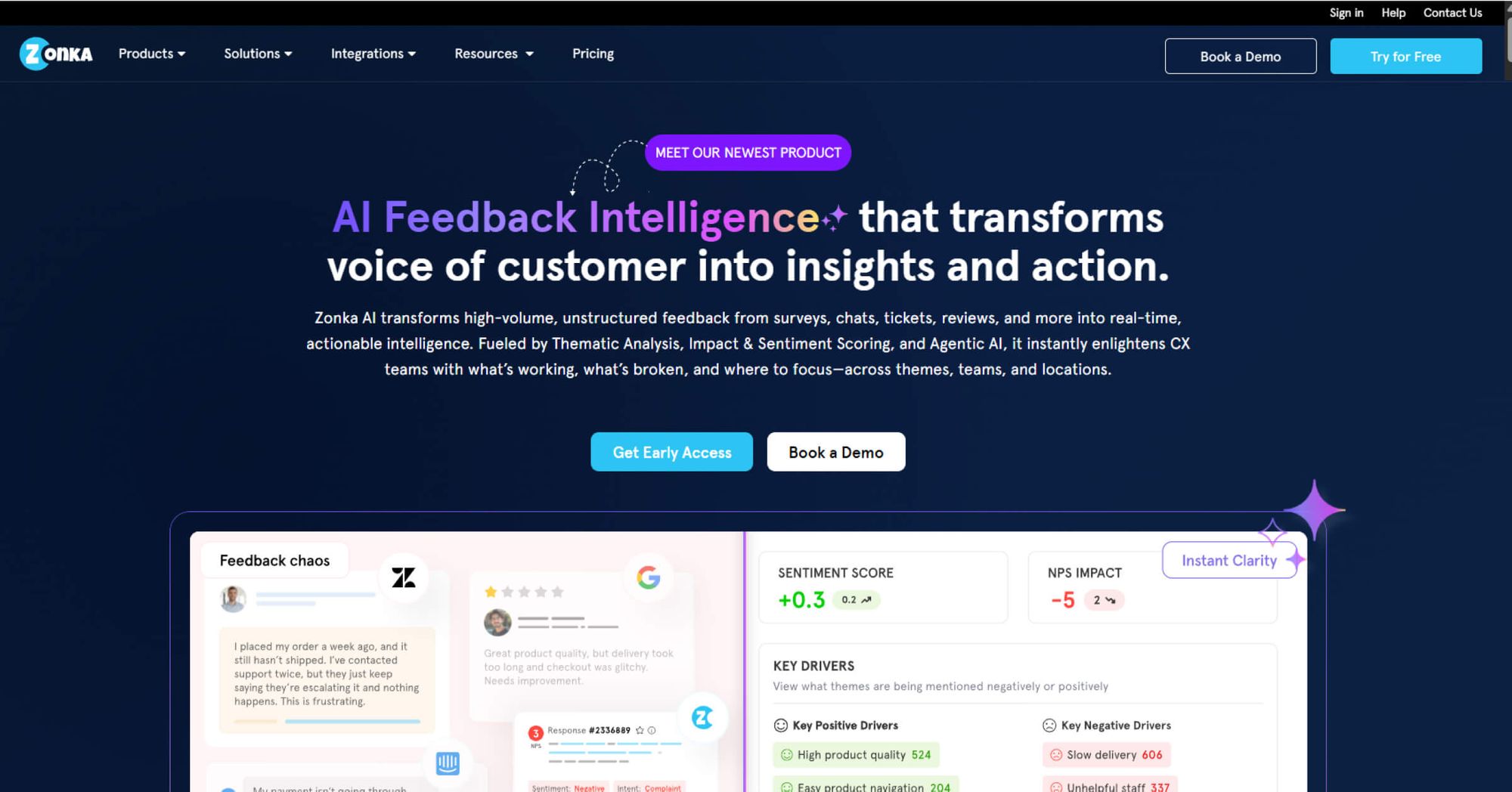
Zonka Feedback offers an all-in-one feedback management platform that simplifies survey creation and response tracking. It helps organizations collect, measure, and act on employee and customer sentiment through flexible, multi-channel surveys.
Key Takeaways
- Pricing: $499/month for 5 users – survey limit applicable
- G2 score: 4.6
- Capterra score: 4.8
- Pros: Offers an intuitive and efficient survey builder, making survey creation quick and straightforward. (G2 review)
- Cons: The interface feels basic and occasional platform bugs can affect the user experience. (G2 review)
How we evaluated the top Qualtrics alternatives?
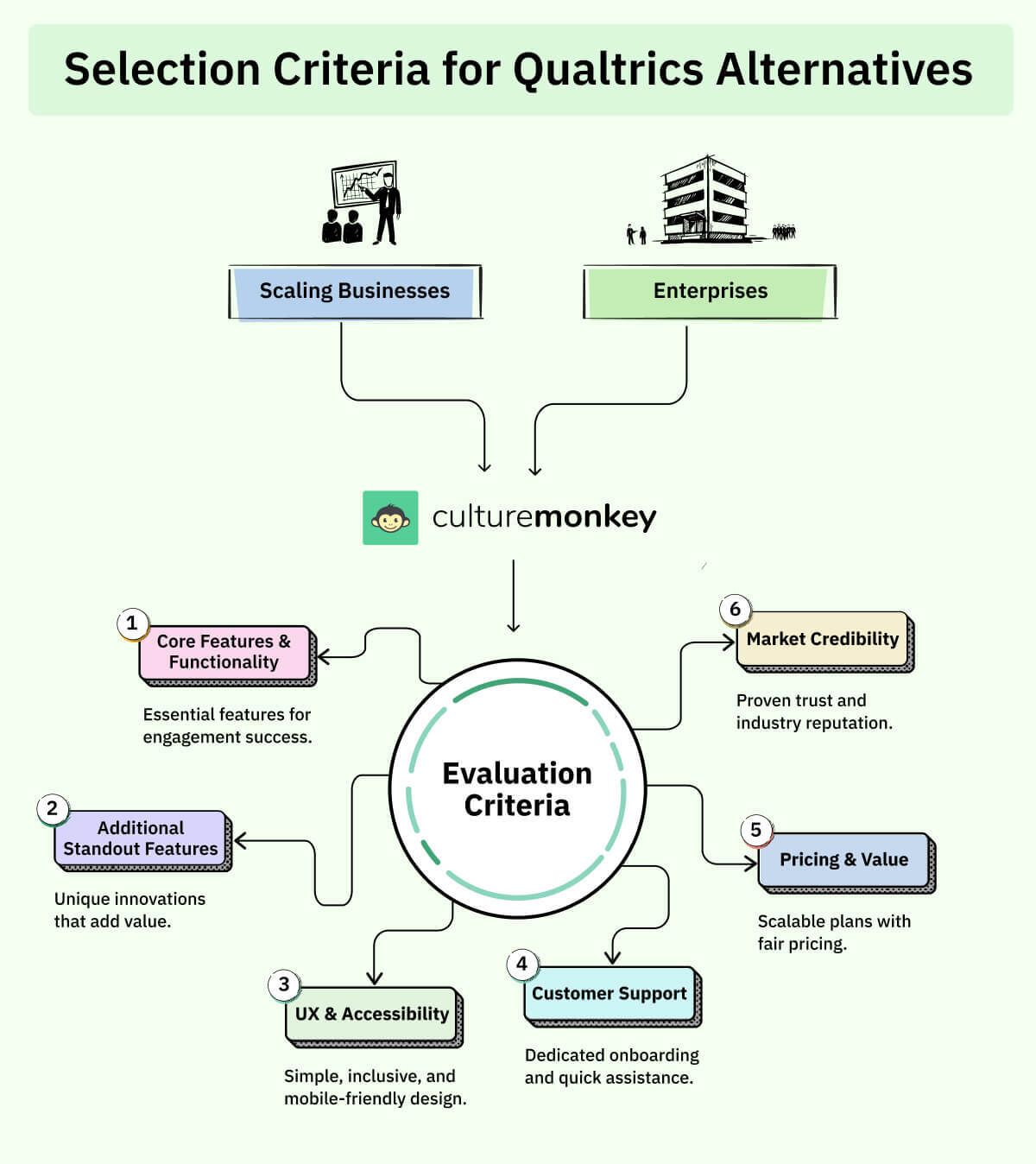
At CultureMonkey, our goal is to help HR and PeopleOps leaders make confident, informed software decisions. We’ve spent countless hours researching and comparing engagement and feedback platforms to ensure every recommendation in this list is rooted in real-world performance, not marketing claims.
Each product was evaluated using a structured framework that balances functionality, usability, and credibility. We’re never paid for placement in our articles or for links to any platform, our reviews are completely independent.
We value the trust readers place in us to deliver honest, experience-driven evaluations of the tools shaping the future of employee engagement.
a) Core Features & Functionality (30% of total score)
To qualify for inclusion, every platform needed to cover the essential foundations of employee engagement and survey management, including:
- Employee engagement and pulse surveys
- Real-time analytics and reporting dashboards
- Customizable survey templates
- Manager-level access and team segmentation
- Integrations with HRIS, Slack, Teams, and other workplace tools
b) Additional Standout Features (10% of total score)
To stand out from the competition, tools were also evaluated on the presence of unique or innovative capabilities such as:
- AI-powered insights or sentiment analysis
- Lifecycle and event-triggered surveys
- Manager dashboard
- Automated action planning and follow-up
c) UX & Accessibility (20% of total score)
To ensure usability across roles and regions, we looked for products that offered:
- Clean, intuitive dashboards for admins and managers
- Mobile-responsive, inclusive survey experiences
- Multilingual accessibility
d) Pricing & Value (15% of total score)
To assess value for different organization sizes, we compared how each platform balanced:
- Flexible pricing plans
- Value-to-feature ratio across tiers
- Scalability for SMBs, mid-market, and enterprise needs
e) Customer Support (15% of total score)
Strong implementation and support are crucial in HR tech, so each vendor was reviewed on:
- Responsiveness and quality of technical assistance
- White-glove onboarding and account setup
- Availability of dedicated customer success managers
f) Market Credibility (10% of total score)
Finally, to verify trust and reputation, we reviewed each vendor’s standing based on:
- Verified ratings and user feedback from G2 and Capterra
- Volume and recency of reviews
- Overall perception within the HR and employee experience community
Why are companies looking for Qualtrics alternatives?
Qualtrics XM surveys are designed to manage feedback across employees, customers, products, and brands. But as employee feedback strategies evolve, many organizations are now seeking Qualtrics alternative for HR teams that provide greater adaptability, ease of use, and faster implementation.
Based on G2 and Capterra reviews, here are the top reasons companies might look for alternatives:
- Complex navigation: Configuring organizational hierarchies and dashboard data can be difficult and time-consuming.
- Limited direct support: Customer support is not always provided in-house and may require third-party consultants.
- Steep learning curve: The platform isn’t always intuitive, requiring extra time to master its features.
- High cost for smaller teams: Pricing can be prohibitive for small or mid-sized organizations.
- Frequent, unexpected UI changes: Interface updates sometimes roll out without notice, disrupting workflows and requiring relearning.
- Lengthy implementation: Setting up use cases can take weeks, delaying the time to value.
Why CultureMonkey works well for both enterprises and SMBs
As organisations scale, they often compare Qualtrics competitors to find what aligns with their rhythm. If you are exploring Qualtrics feedback tool alternatives to large survey systems, here’s why CultureMonkey suits both enterprises and smaller teams inside the workplace:
- Flexible survey engine: Build and launch engagement surveys, lifecycle events, onboarding flows and recurring pulses using CultureMonkey’s modular survey builder.
- Unified EX dashboard: Track sentiment trends, response patterns and team level insights through a consolidated analytics hub.
- Multi language survey library: Deploy prebuilt templates and question banks across global teams with native language support.
- Automated workflows: Configure triggers, recurring survey cycles, smart reminders and follow up actions from a single automation panel.
- Role based insights: Give managers, HR and leadership personalised dashboards with filtered results, action areas and team specific trends.
- Seamless integrations: Sync survey delivery and engagement data through native integrations with Slack, Teams, WhatsApp and leading HRIS platforms.
- High volume stability: Maintain fast load times and accurate reporting even during enterprise wide pulses with thousands of responses.
Why is CultureMonkey a better alternative to Qualtrics XM?
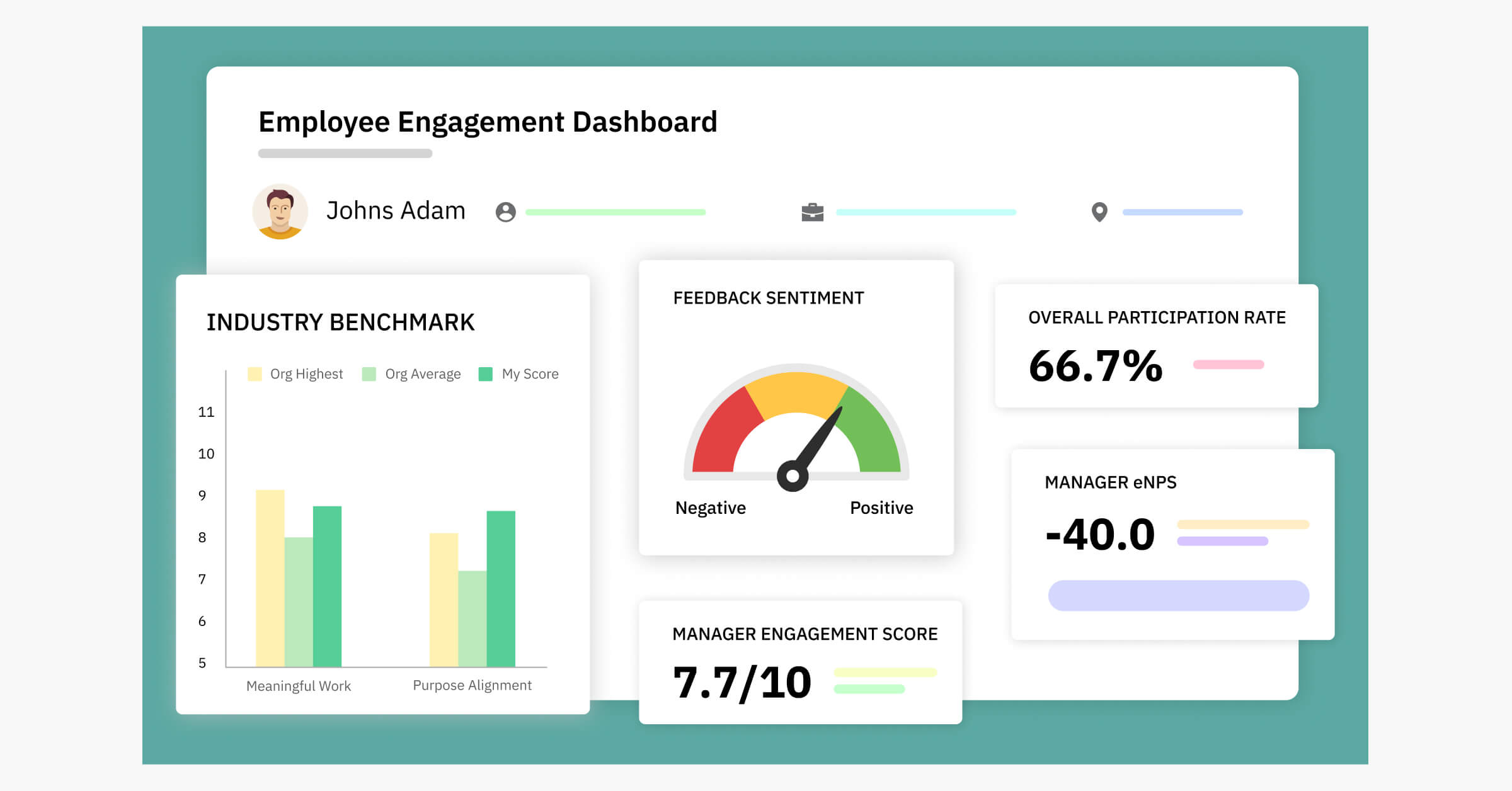
When evaluating the best employee feedback software 2026, many organizations are looking for alternatives that better match their culture and goals.
And if you’re comparing Qualtrics vs CultureMonkey, let’s explore what sets CultureMonkey apart as the best Qualtrics replacements:
- Built for effortless use: A clean, intuitive interface makes it simple for both admins and employees to create, launch, and respond to surveys.
- All-inclusive pricing: One clear plan with every feature included, no surprise add-ons or locked functionalities.
- Quick-start survey deployment: Get your surveys live in as little as four weeks with proven workflows and implementation best practices.
- Surveys tailored to your needs: Fully customizable questions, branding, and formats to match your organizational goals.
- Anonymous feedback channels: Enable employees to share candid opinions without fear, through secure and anonymous responses.
- Multi-channel survey delivery: Send surveys and reminders via WhatsApp, Slack, email, and other preferred communication channels.
- People Science-backed reports: Expert-led methodology ensures reports are grounded in research, delivering insights that drive meaningful action.
- Collaborative improvement plans: Engage leaders and managers in joint action planning to turn feedback into measurable change.
.webp)
Experience employee feedback that creates measurable impact.
- Multilingual Surveys
- White Glove Onboarding
- People Science Backed Reports
- Enterprise Grade Security
Conclusion
Choosing the right platform for employee engagement goes beyond just replacing an existing tool, it’s about finding a solution that truly fits your organization’s culture, goals, and pace of change. While Qualtrics XM offers a wide range of experience management suite, many companies are now turning to the best Qualtrics competitors for more agility, and ease of use.
CultureMonkey stands out in this space by combining intuitive design, research-backed insights, and flexible deployment options that help HR leaders act on feedback quickly and effectively.
With the rise of AI survey tools for employee experience, organizations can now unlock deeper sentiment analysis, automate action planning, and measure impact in real time, without the steep learning curve or hidden costs.
If your goal is to create a workplace where every voice is heard and acted upon, the right alternative can be the difference between gathering feedback and truly driving change.
Book a demo with CultureMonkey.
FAQ
1. What’s the best Qualtrics alternative for anonymous employee feedback?
CultureMonkey is one of the best Qualtrics alternatives for anonymous employee feedback. CultureMonkey's secure feedback channels protect anonymity while analyzing surveys to deliver actionable insights. With advanced sentiment analysis and People Science-backed reporting, HR teams can identify emerging trends early, address concerns proactively, and foster a culture where employees feel safe to share honest opinions.
2. Are there tools like Qualtrics but easier to use?
CultureMonkey is a simple survey tool designed for quick setup, intuitive navigation, and fast results, making it easier to use than many enterprise platforms. CultureMonkey also offers seamless integration with Slack, Teams, and WhatsApp. Other user-friendly options include Lattice, known for its clean UI and engagement workflows, and Leapsome, which combines surveys with performance management in a streamlined interface.
3. Which Qualtrics XM alternatives offer AI-powered insights?
CultureMonkey offers advanced AI capabilities, including AI-powered survey summaries, sentiment analysis for open-text responses, and action recommendations based on results, making analyzing feedback faster and more effective. Other Qualtrics survey competitors like Officevibe use AI to surface key engagement drivers and trends, while Culture Amp applies machine learning to identify patterns and guide targeted action plans for improving employee experience.
4. Can I migrate my old survey data from Qualtrics to a new platform?
Many modern survey platforms support migrating data from Qualtrics, making transitions smoother. CultureMonkey offers dedicated migration support to transfer historical survey data, employee profiles, and benchmark metrics directly into its platform. This ensures HR teams maintain valuable context, compare past and present results, and continue tracking engagement trends without losing the insights and benchmarks built over years of feedback programs.
5. Which platform is best for scaling employee surveys globally?
For organizations looking for scalable survey software, CultureMonkey delivers key features for managing employee feedback at a global scale. CultureMonkey enables role-based survey access for sub-admins, super admins, and managers, supported by intuitive dashboards. With surveys available in 150+ languages and a dedicated support team, CultureMonkey ensures consistency, inclusivity, and smooth operations across diverse regions and growing teams.
6. Is there a feedback tool that works well with Slack or Teams?
For organizations using Slack or Microsoft Teams, CultureMonkey is an ideal choice. CultureMonkey integrates seamlessly with both platforms, allowing HR teams to send surveys directly within the workspace and follow up with automated reminders. This ensures higher participation rates and timely responses, while keeping feedback collection convenient for employees who already rely on these tools for daily communication.
7. How does CultureMonkey compare to Qualtrics
CultureMonkey stands among the best Qualtrics alternatives for organizations focused on employee engagement. CultureMonkey offers a more intuitive platform with faster deployment timelines, role-based dashboards, and multi-channel survey delivery. With transparent pricing, People Science-backed insights, and strong global scalability, CultureMonkey provides a streamlined alternative for teams seeking impactful feedback programs without the complexity of larger enterprise systems.
8. Which Qualtrics alternative is best for employee engagement surveys?
The best choice often depends on how teams compare alternatives to Qualtrics, especially when they look beyond broad Qualtrics solutions or heavy Qualtrics tools. Many buyers evaluate features, cost, and clarity before deciding. When the goal is cleaner insights without the complexity, CultureMonkey stands out as a strong Qualtrics replacement built specifically for employee engagement.
9. Is there a free Qualtrics alternative?
Some survey software alternatives, like Google Forms, offer free tiers, but limits around responses, branding, and integrations. Teams exploring pricing often review Qualtrics pricing or Qualtrics pricing plans before comparing options. For those wanting enterprise clarity without heavy spending, CultureMonkey is often preferred for its transparent structure and ability to scale beyond what basic free tools provide.
10. What is the best Qualtrics alternative for small businesses?
Small businesses usually look for tools that avoid the depth of Qualtrics features, Qualtrics Cloud Professional, or a full Qualtrics XM survey setup. Many prefer simpler tools that aren’t complex with tools like Qualtrics, but rather offer clear insights without ease.
Note: This article was originally published in August 2025. The most recent update was in November 2025.
Related Reads: